

In the previous two articles, I wrote about creating an Ancestor Map Builder program that shows where your ancestors lived by connecting a series of lines that all lead to you. You can read the article that I wrote one week ago about this tool here:

One week is plenty of time for new ideas!
After fine-tuning that tool, I started to think about how to map the journey of a single individual. Maybe map the journey of an ancestor who traveled across the Atlantic, settled, and then relocated. Or, what if I mapped the path that Col. Benjamin Cleveland took when he was kidnapped in 1781. After another day of coding and discussion with Claude Code, I really like the result.
Both tools — the Ancestor Map Builder and the new Journey Builder — are baked into a single tool that is on my website here:
The video at the top of the page is my demonstration of how the tool works, and how you can use it to create your own maps.
What I like most about this is that it’s simple. I could have added lots of other features to each tool, but I wanted them to do one thing, and do it well. I wanted it to have a very short learning curve. I believe I succeeded in doing that, but if there’s something that I didn’t completely explain, let me know.
As you enter your information in either builder, you can view the results as you go. When you’re finished, click the blue “Shareable Map” button at the bottom left, and it saves an html file to your computer. That file is completely self-contained. You can view your completed map by double-clicking on it. Or, if you want to share it with others, send it to them. You can even embed it on your own website.
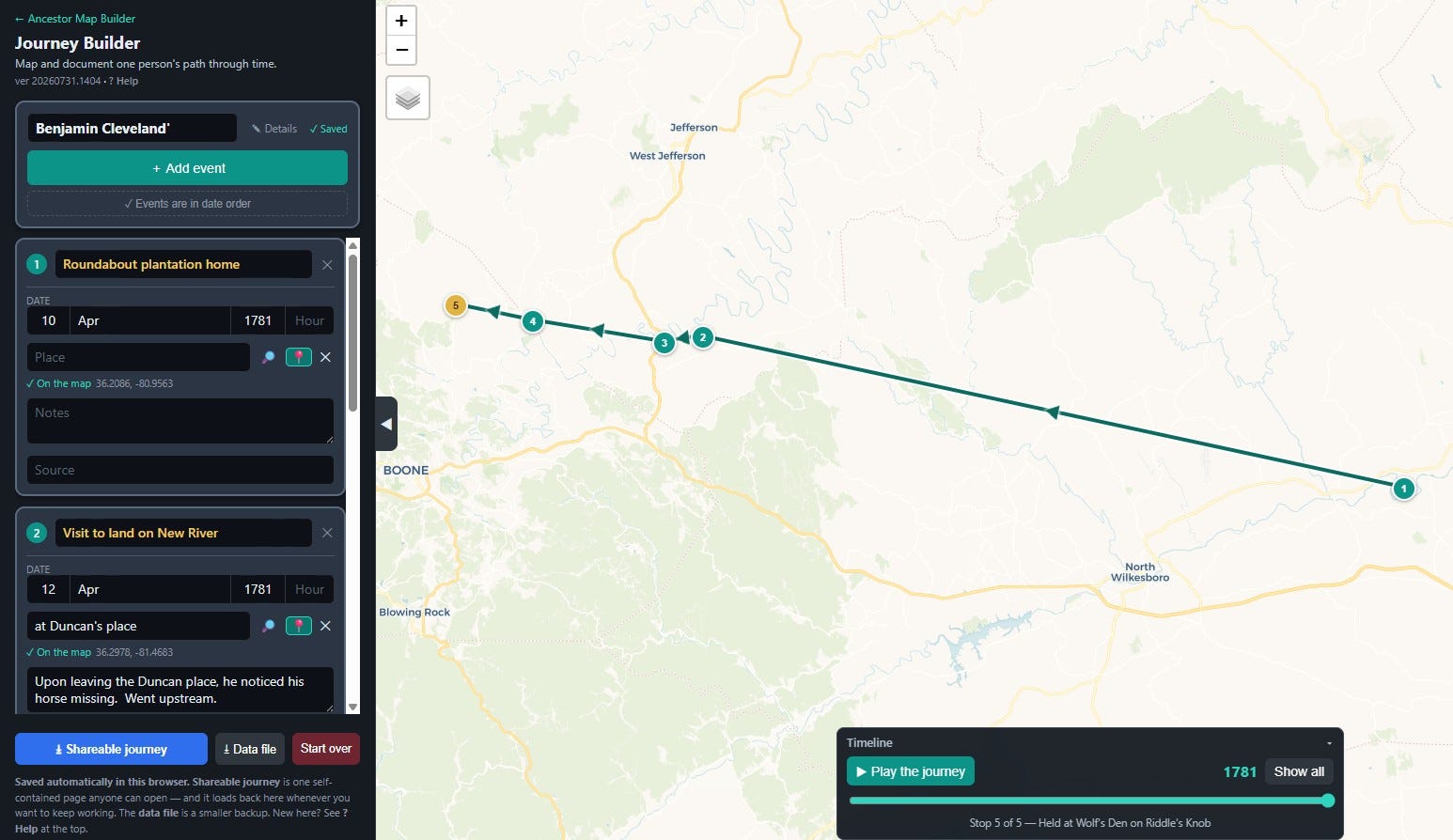
I explained most of the primary features in the video, so I won’t restate those here. One thing I did not mention in the video is the fact that you can select the type of base map by clicking on the layers icon at the upper left corner of the map.
I’m sure there must be other tools like this online, but I haven’t looked. What I like about this is that I can make the tool do anything that I want it to do. I can move buttons, add buttons, make text larger, or change the color of the background. Together with Claude, it is completely customizable. My plan is to leave the tool alone from here unless there is a bug to fix. But if another exciting idea is presented that would make it even better, I might not be able to resist the temptation to add a new feature.
More history on my website.


